Android baby monitor guide
How do you reduce the battery drain of an Android baby monitor?
Video, audio and the screen all draw on the Camera phone. Prepare its battery life, use the relevant Lumixi settings and test your setup before each night.
Good habits to preserve the battery
Start with enough charge
Before setting the Camera up near the baby, check that its charge level matches the monitoring time you expect.
Turn on night mode when needed
In low light, Lumixi's night mode runs at 15 fps: it favours a steady image and the battery over maximum smoothness.
Prepare the screen and the connection
Adjust the screen brightness in the phone settings and make sure the connection stays stable throughout the test.
Before monitoring
Reducing the drain in three steps
-
1
Test Lumixi before leaving the phone
Check the video, the audio, the framing and the connection from the parent Monitor. A test avoids discovering a low battery too late.
-
2
Use night mode in the dark
When conditions call for it, turn on night mode: its steady frame rate is designed to limit flickering and to preserve the battery.
-
3
Plan safe charging if you need it
Follow the phone manufacturer's instructions. Always keep the cable and the adapter out of the baby's reach and out of the sleeping area.
Charging the Camera phone safely
Charging must never clutter the baby's space. Use suitable equipment, follow the manufacturer's guidance and place the phone on a stable, clear support.
The Camera screen stays on during monitoring. Adjust its brightness in the system settings, then check that Lumixi remains usable.
Night mode, screen and limits
Lumixi night mode is not night vision. It requests 15 fps; image quality and power use depend on the phone and lighting. The Camera screen stays on during monitoring: lower brightness in Android, then check that framing is still readable.
Sound and motion alerts are a complement, not an alarm. They can miss a noise or fire without cause. Never rely on them alone, and do not leave a phone to drain next to the baby.
Two Monitors do not double Camera battery life
The Camera records as soon as a Monitor selects it. Handing the stream from the first parent to the second does not “rest” the phone by the crib: the Camera screen stays on, and night mode at 15 fps stays on too. What changes is who receives the picture. Plan battery life for the whole night, not for one parent.
The Monitor in your pocket uses power mainly while the stream is open. The other parent, if they have not selected the camera, is not sending a second video load. Plug the Camera in out of reach, check how hot the phone is after an hour, and never improvise a charger in the crib.
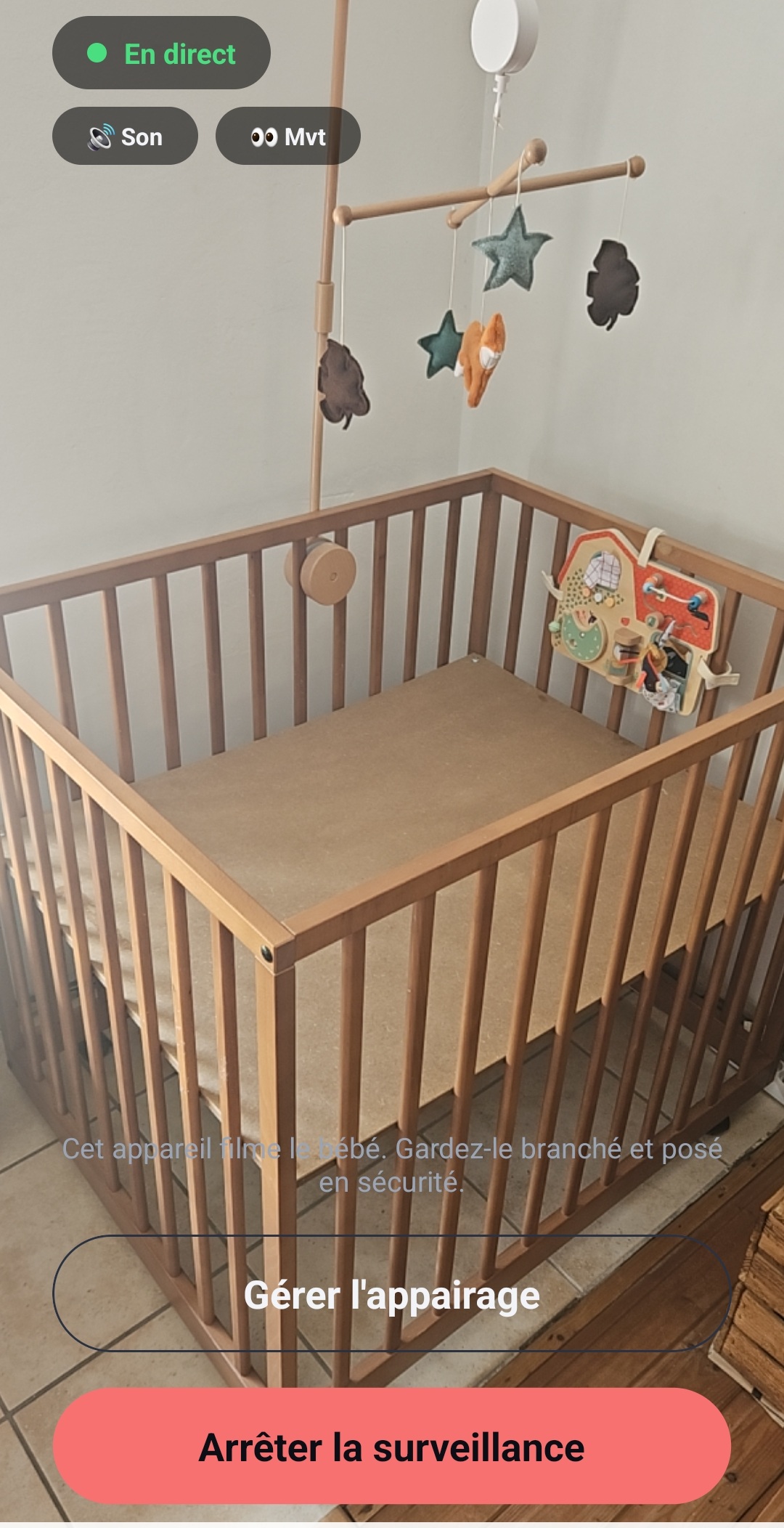
Frequently asked questions about Android baby monitor battery life
Does Lumixi's night mode help the battery?
Yes. In night mode, Lumixi uses a low, steady frame rate of 15 fps in order to favour stability and battery life over smoothness.
Can you lower the brightness of the Camera phone?
You can adjust the screen brightness in the phone settings. Then check that Lumixi remains visible and that the framing is still correct.
Can you charge the phone while monitoring?
If you charge it, follow the manufacturer's instructions and keep the cable and the adapter out of the sleeping area and out of the baby's reach.
Is your Camera phone ready?
Read the setup guide