Always connected
Live video and audio baby monitoring.
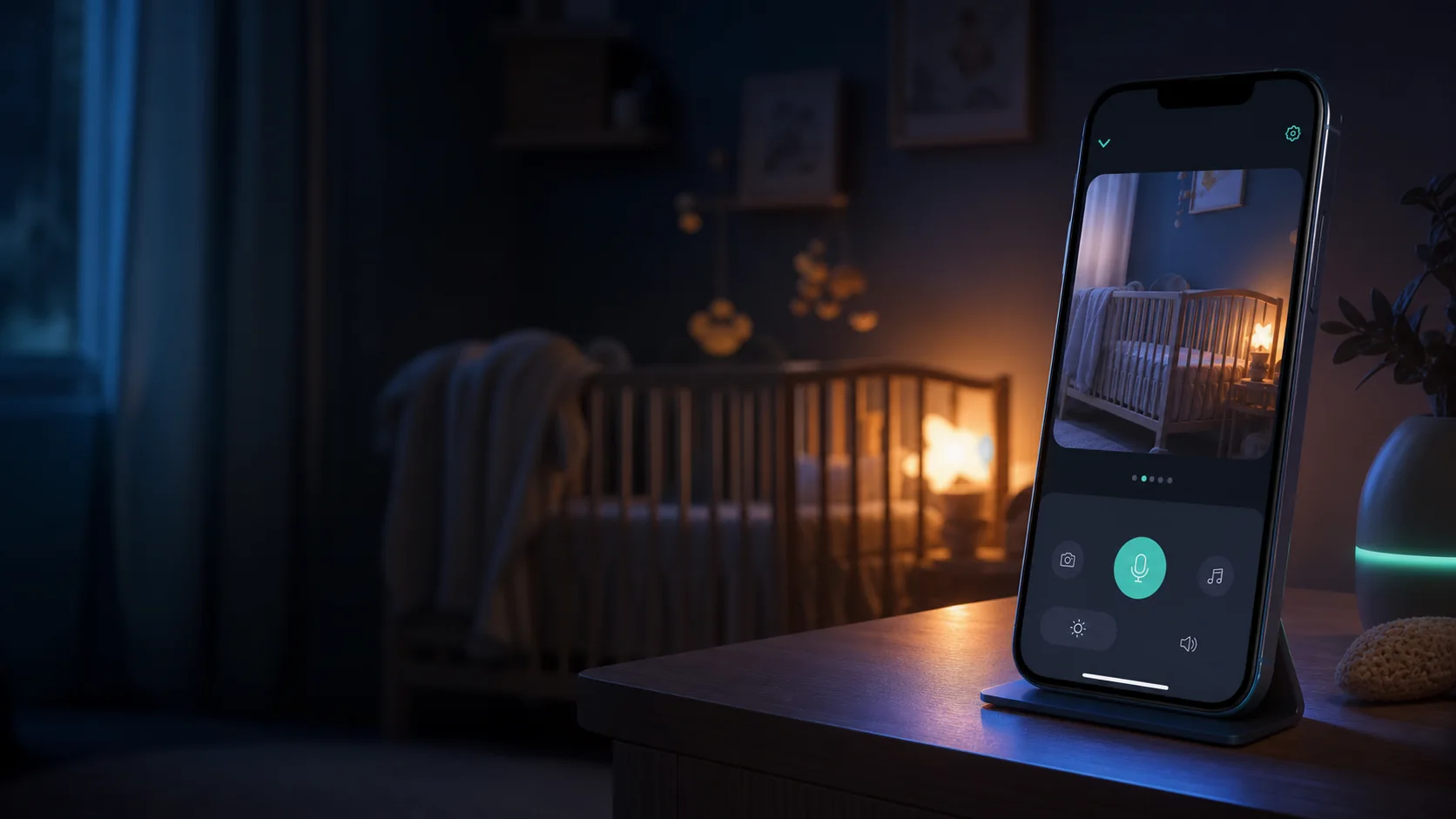
Watch your baby live from your parent Monitor phone.
Lumixi.app · Android baby monitor
Lumixi turns an old Android phone into the baby camera, and a second one into the Premium parent monitor. The application links the two devices with a QR code or a six-digit code, for video and audio, with no Lumixi account. Android only for now: no iPhone.

Scan to installOr open Google Play on your Android phone.

Android only. Two Android phones.
No Lumixi account. Google Play for Premium.
Two Monitors, one active camera. Two household seats.
Before you start
Two answers to set up a baby monitor with the phones you already have.
The Camera needs no purchase. The Monitor uses Premium: a 7-day trial if eligible, then a monthly subscription at the price shown in Google Play.
Built for real nights
Video and audio baby monitoring, night mode, adjustable alerts: the Camera shows a QR code, the Premium Monitor picks the camera to watch.
Always connected
Watch your baby live from your parent Monitor phone.
For the quiet hours
Night mode requests 15 frames per second. Results depend on the phone and ambient light; this is not infrared night vision.
When you need to know
Turn sound and motion detection on and tune it to your room. Alerts can miss an event or fire without cause: this is not an alarm.
Ready in moments
On the Camera, show the QR code. On the Premium Monitor, scan it or type the code, then select the camera to watch.
As simple as that
Place a phone near the baby, choose the Camera role and show its QR code or its temporary code.
With the trial or Lumixi Premium, choose the Monitor role, then scan the QR code or enter the six-digit code.
Keep several cameras paired: the Monitor lets you choose which one to watch. A household has two Monitor seats; only one camera is active at a time.
Frequently asked questions
Setting it up on two Android phones, video and audio monitoring, the Premium trial and privacy.
Lumixi is available on Google Play, for Android only. Install it on two Android phones: one as Camera, the other as Monitor. You can also scan the QR code on this page.
No. Lumixi is Android-only for now. Both phones, Camera and Monitor, must be Android.
Install Lumixi on two Android phones. On the first one, choose the Camera role and show the QR code or the temporary code. On the second one, choose the Monitor role, then scan the QR code or type the code.
A Lumixi household has two Monitor seats, so two parents can watch from their own Android phones with one subscription. One camera is viewed by a single Monitor at a time.
Yes. The Monitor phone receives the video and audio stream from the selected Camera. Sound and motion detection can be turned on and tuned in the app.
No. Lumixi asks for no email address and no password. Pairing between the Camera and the Monitor uses a QR code or a temporary code.
The 7-day trial is offered to eligible Google Play users. After that, Google Play shows the price, taxes and terms for your country.
Yes. An old Android phone can become your baby Camera, while your main phone becomes the parent Monitor. No dedicated baby monitor hardware is needed.
Night mode requests 15 frames per second. Results depend on the phone and ambient light; this is not infrared night vision.
Read the guide: turning an Android phone into a baby monitor
Read the guide: where to place your phone to watch over your baby
Read the guide: which Android phone to use as a baby monitor
Read the guide: an Android baby monitor without Wi-Fi, is it possible?
Read the guide: reducing the battery drain of an Android baby monitor
Peace of mind, for your data too
Lumixi favours a direct connection between your devices for video and audio. There is no Lumixi password to create: an anonymous technical identity is enough to get started. On the Monitor, you can link your Google account to keep Lumixi Premium when you change phones; we then store only the identifier and the email address of that account, never your password.
↗ Streams between your devices
◌ No advertising
✓ Pairing with a temporary code

Lumixi Premium
Lumixi Premium turns two Android phones into a video and audio baby monitor. A household has two Monitor seats; one camera is viewed by a single Monitor at a time. The 7-day trial is reserved for eligible Google Play users. After that, the price, taxes and terms shown in Google Play depend on your country.
Scan to installOr open Google Play on your Android phone.